
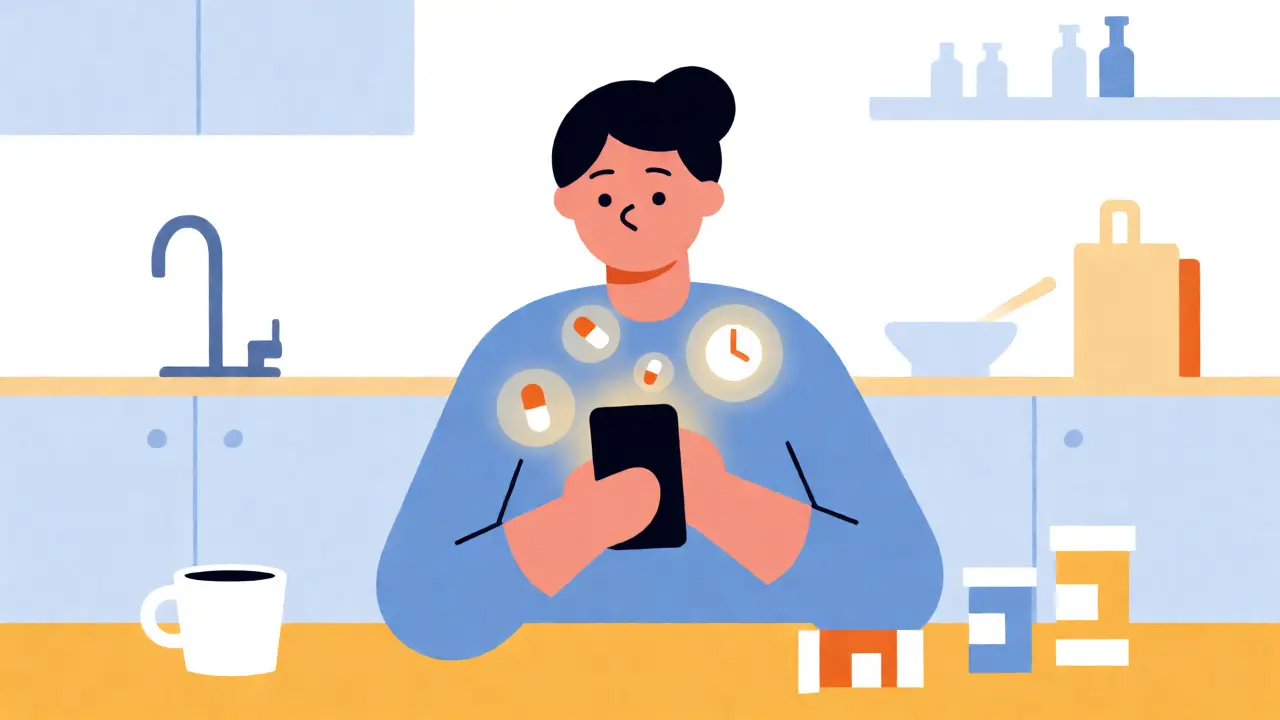
You’ve got the prescription. You’ve picked up the meds. But somewhere between your morning coffee and your evening wind-down, the pills just... vanish from your mind. It’s not laziness; it’s biology. The World Health Organization estimates that 50% of chronically ill patients don’t take their medications as prescribed, a gap that costs the global healthcare system billions every year. If you’re tired of relying on memory or sticky notes, it’s time to build a reminder system that actually sticks.
This isn’t about downloading an app and hoping for the best. Most people fail because they set up generic alarms that become background noise within a week. To make medication reminders work, you need to match the technology to your specific lifestyle, handle the technical setup correctly, and account for human behavior. Here is how to build a system that survives real life.
Why Your Current Alarms Are Failing
If you are using standard phone alarms, you are fighting against "alert fatigue." When you hear the same beep at 8:00 AM every day, your brain eventually categorizes it as non-urgent background noise. Research published in the Journal of Medical Internet Research suggests that combining push notifications with SMS alerts can boost adherence by 87% compared to single-channel systems. Why? Because different channels trigger different attention pathways. A silent vibration might be missed during a meeting, but a text message buzzes differently than a call.
Furthermore, simple alarms lack context. They don’t know if you’re driving, sleeping, or in a quiet library. Effective systems use context-aware notifications. For instance, advanced apps like Medisafe can integrate with your calendar to mute audio alerts during scheduled meetings, switching to silent vibrations instead. This prevents the embarrassment of a loud alarm going off mid-presentation, which often leads users to disable notifications entirely out of frustration.
Choosing the Right Tool for Your Regimen
Not all medication schedules are created equal. A person taking one blood pressure pill has very different needs than someone managing diabetes with three different injectables and two oral medications. Choosing the wrong tool is a common pitfall.
| Platform | Best For | Key Feature | Limitations |
|---|---|---|---|
| Medisafe | Complex regimens & caregivers | AI-driven adherence tracking and caregiver alerts | Premium features cost ~$30/year |
| MedAdvisor | Australian/NZ users & pharmacy integration | Direct link to local pharmacies and My Health Record | Advanced analytics limited to premium partners |
| Round Health | iOS users wanting simplicity | Seamless Apple Health integration | No Android support; basic feature set |
| Mango Health | Gamification lovers | Rewards for taking meds on time | Limited caregiver features; US-centric pharmacy links |
If you live in Australia, MedAdvisor is often the superior choice because it syncs directly with local pharmacy databases. This means when your script runs low, the app doesn’t just remind you to take a pill; it reminds you to pick up more, potentially even arranging delivery. For those with complex polypharmacy (more than five daily doses), Medisafe’s visual confirmation feature-where you snap a photo of the pills before swallowing them-can reduce false adherence reports by nearly 90%. It forces a moment of mindfulness that a simple "dismiss" button lacks.
The Technical Setup: Avoiding Silent Failures
Here is where most setups break down. You download the app, enter your meds, and think you’re done. But technical glitches cause 34% of "silent failures," where the alarm simply doesn’t go off. The biggest culprit? Notification permissions.
- Battery Optimization: Modern smartphones aggressively kill background apps to save battery. If you don’t manually exclude your medication app from battery optimization settings, it may miss alarms after a few days of heavy use. Go into your phone’s settings and set the app to "Unrestricted" or "No restrictions."
- Time Zone Sync: If you travel, ensure your app uses automatic time zone detection based on the IANA timezone database. Manual entry errors here cause 22% of early-stage failures. If you fly from Brisbane to London, your 8:00 AM dose shouldn’t stay at 8:00 AM Brisbane time.
- Offline Mode: Ensure the app stores data locally (usually via SQLite) so it works without internet. Cloud sync should happen in the background, but the alarm itself must fire offline.
Another critical step is verifying the medication database. Apps like Medisafe use RxNorm standards, which contain over 350,000 drug entries. Always double-check the dosage form (e.g., tablet vs. capsule) and strength. Barcode scanning reduces input errors by 83%, so use your phone’s camera to scan the label rather than typing it out manually.
Designing Your Alert Escalation Protocol
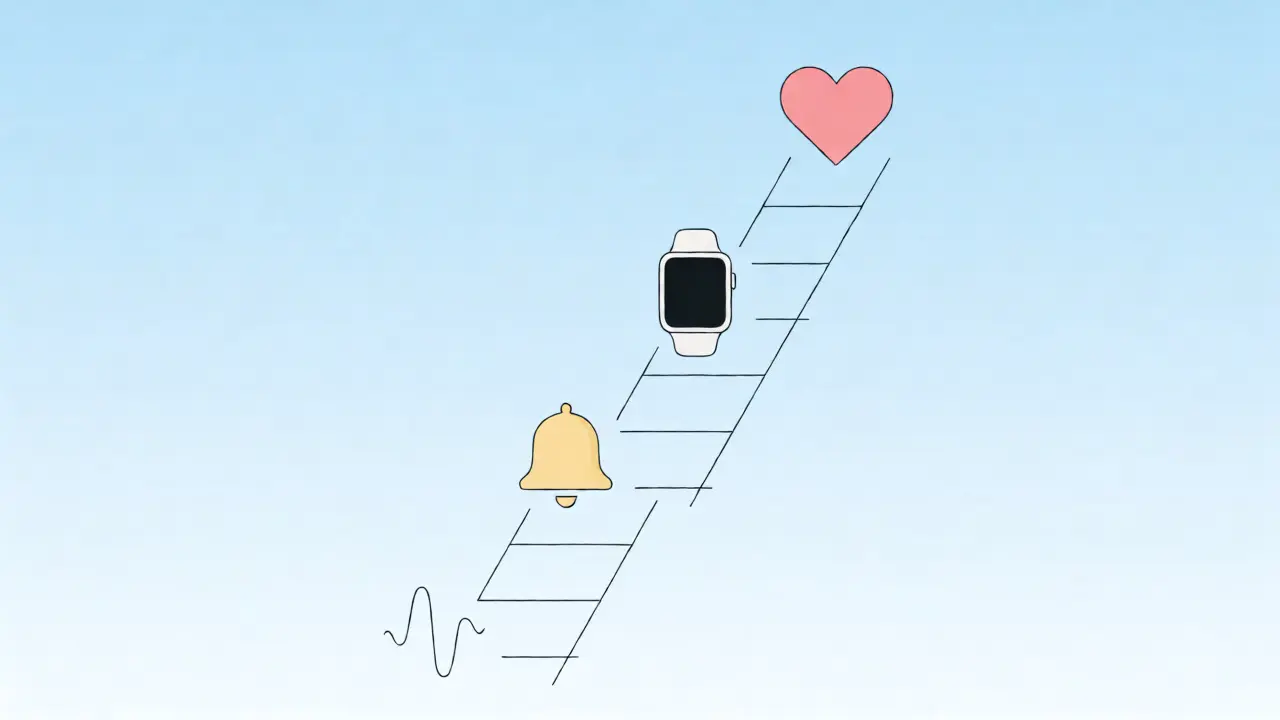
A single alarm is rarely enough. You need a staggered escalation protocol. Think of it as a ladder of urgency. Start with a gentle nudge, then escalate if ignored.
- T-Minus 10 Minutes: A silent push notification. This gives you a heads-up to finish what you’re doing.
- T-Zero: An audible alarm or vibration. This is the primary cue.
- T-Plus 15 Minutes: If no action is taken, send a second alert. Some apps allow this to be sent to a secondary device, like a smartwatch.
- T-Plus 45 Minutes: The "Caregiver Alert." If you haven’t confirmed the dose, the app texts a designated family member or friend. This social accountability is powerful. At Mercy Medical Center, implementing caregiver permission tiers increased adherence rates significantly among elderly patients.
For those who struggle with "snooze culture," set your snooze limit strictly. Allow only one snooze of 5-10 minutes. If you hit snooze twice, treat it as a missed dose. This prevents the dangerous habit of doubling up later in the day, which accounts for 19% of accidental overdose incidents in home care settings.
Integrating Physical and Digital Systems
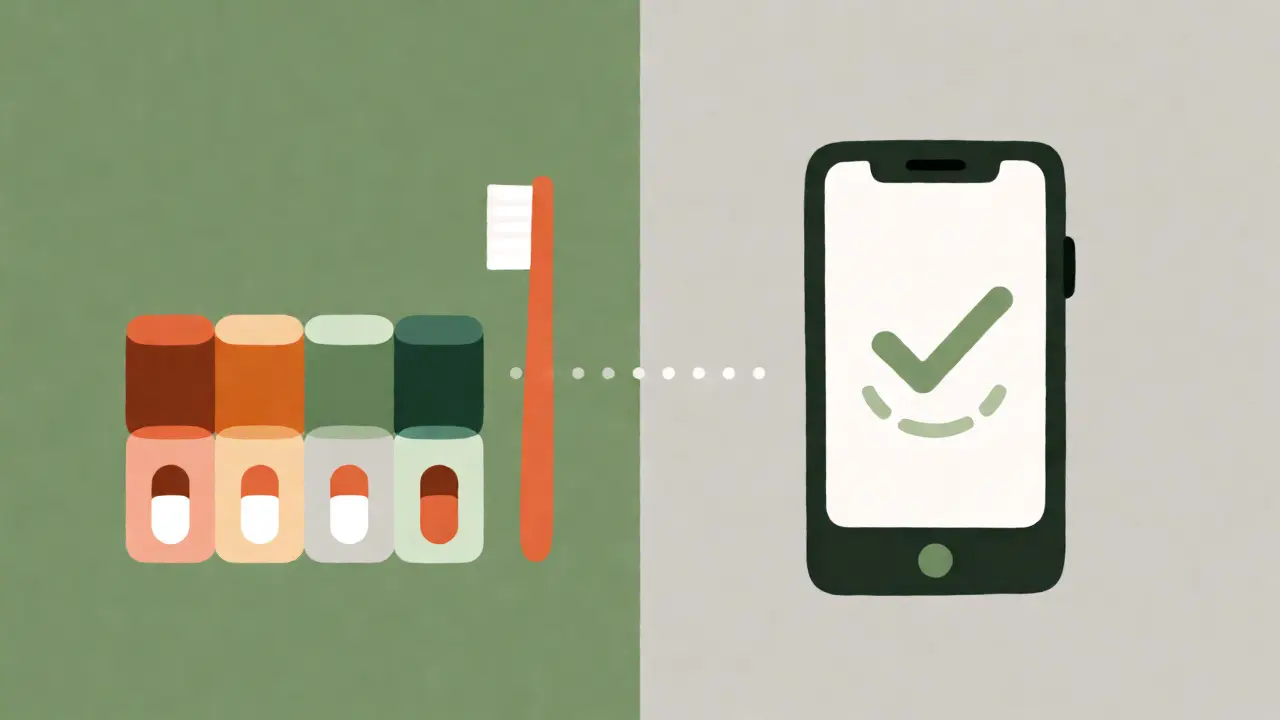
Digital tools aren’t magic bullets. For seniors or those with dexterity issues, physical aids often outperform apps. A study by SeniorsGuide.com found that compartmentalized pillboxes with built-in alarms achieved 82% adherence, compared to 67% for smartphone apps alone. The friction of unlocking a phone, opening an app, and navigating menus can be too high for some users.
The ideal solution is often hybrid. Use a digital app to track inventory and refill dates, but use a physical pill organizer with a timer for the actual act of taking the medication. Place the organizer next to your toothbrush or coffee maker-habit stacking anchors the new behavior to an existing routine. If you use a smart dispenser like Hero Health, it combines both worlds, dispensing the correct dose at the right time and logging it automatically, though the $199/month cost is a barrier for many.
Maintaining the System Long-Term
Adherence drops off after 90 days for most users unless the system evolves. To keep it working, review your data monthly. Look for patterns. Are you consistently missing your evening dose? Maybe you’re too tired. Try moving it to dinner time instead of bedtime. Apps like Medisafe provide "missed dose pattern analysis" that can reveal these trends.
Also, update your regimen immediately when prescriptions change. Don’t wait for the next doctor’s visit. If you stop a medication, delete it from the app instantly. Lingering ghost reminders create confusion and erode trust in the system. Finally, involve your pharmacist. In Australia, pharmacists can now access My Health Record data, allowing them to see if your adherence is slipping and intervene before it becomes a health crisis.
What happens if I take my medication late?
Most apps allow you to log the dose as "late" rather than "missed." Check your specific medication's guidelines; for some drugs, taking it more than 2 hours late means you should skip it to avoid overlap. Always consult your pharmacist for timing rules specific to your prescriptions.
Do medication reminder apps drain my battery?
Yes, active background location services and frequent notifications can consume 1-2% of battery per hour. To mitigate this, disable location tracking if you don't use geofencing features, and ensure the app is optimized for your specific phone model. Using a dedicated smartwatch for alarms can also offload the processing from your main phone.
Can my caregiver see my medication history?
In apps like Medisafe and MedAdvisor, yes. You can grant "view-only" or "edit" permissions to trusted contacts. They receive alerts if you miss a dose and can view your adherence report. This is crucial for managing elderly parents or children with chronic conditions, providing peace of mind without constant checking-in calls.
What if I have more than 10 medications?
This is known as polypharmacy, and it increases the risk of alert fatigue. Standard apps may overwhelm you with too many notifications. Consider grouping medications by time of day (e.g., one alarm for "Morning Stack") rather than individual alarms for each pill. Visual confirmation features are highly recommended here to prevent mix-ups.
Are free apps reliable enough?
Free versions usually cover basic alarms and logging. However, they often lack advanced features like cloud backup across devices, detailed adherence reports, or direct pharmacy integration. If your health depends on strict adherence, the small annual fee for premium features is often worth the reliability and data security provided by HIPAA-compliant encryption.


Eryn Manchego
August 30, 2026 AT 22:23honestly the battery optimization setting is the real unsung hero here i always forget to whitelist my apps and then wonder why my reminders vanish into the digital void like ghosts 🧚♀️✨ its wild how much tech fights against us when we just want to stay healthy
hareesh kumar
August 31, 2026 AT 00:49you think theyre helping you but really its all about data harvesting every time you scan that barcode or log a dose theyre building a profile on your health habits that insurance companies will eventually use to deny claims or raise premiums because they know exactly when you skip a pill
i stopped using these apps years ago after realizing my "adherence" score was being sold to third parties who dont care about my wellbeing only their profit margins its not paranoia if the terms of service are written in fine print that nobody reads except the lawyers getting paid millions to interpret them for the corporations
the alarm fatigue thing is real but its engineered so you get desensitized and then they push the premium version with more intrusive notifications that track your location even when you didnt ask for it why does a pill reminder need to know im at the grocery store unless its trying to sell me supplements based on what i buy while ignoring the actual medical advice
and dont get me started on the caregiver alerts its social pressure disguised as healthcare making people feel guilty for forgetting a pill instead of addressing the root cause which is usually stress or side effects that make taking meds miserable in the first place
Vivek Chaturvedi
August 31, 2026 AT 06:38context awareness is key. silent failures happen when we ignore the technical constraints of our devices. if the app is killed by the OS the notification never fires. simple physics.
Lolo Del
August 31, 2026 AT 08:43Hey there! 👋 Just wanted to say this is a super helpful breakdown. I used to struggle with the snooze button until I realized it was actually causing me to double-dose later. Setting a hard limit really changed the game for me. Also, habit stacking is such an underrated trick-putting my vitamins right next to the coffee maker saved my mornings!
Stephen Horn
August 31, 2026 AT 22:44The reliance on smartphone applications for critical health management represents a fundamental misunderstanding of human behavioral psychology and technological fragility. While the article posits that multi-channel notifications increase adherence, it fails to account for the cognitive load imposed by constant digital interruptions.
Furthermore, the assertion that AI-driven tracking reduces false adherence reports is statistically dubious without accounting for the placebo effect of simply knowing one is being monitored. The pharmaceutical industry benefits immensely from this quantified self-movement as it generates longitudinal data sets that can be monetized independently of clinical outcomes.
Moreover, the exclusion of physical aids as primary tools ignores the tactile reinforcement necessary for long-term habit formation in elderly populations. A digital log lacks the somatic feedback loop provided by physically manipulating a pill organizer. This over-reliance on ephemeral digital signals creates a brittle system prone to catastrophic failure during power outages or software updates.
We must also consider the socioeconomic disparity inherent in requiring premium subscriptions for optimal functionality. Health should not be gated behind a paywall of $30 per year for basic reliability features. The current model prioritizes corporate subscription revenue models over genuine patient autonomy and accessibility.
Pearl Richardson
September 2, 2026 AT 22:04It is imperative to note that the integration of pharmacy databases raises significant privacy concerns regarding the granularity of health data sharing. 🕵️♀️📊
The suggestion that caregivers receive alerts introduces a layer of surveillance that may not be consensual in all domestic arrangements. Furthermore, the technical dependency on cloud synchronization implies that local storage failures could result in complete data loss, rendering the historical adherence record null and void. 📉
One must also scrutinize the efficacy of gamification rewards; do extrinsic motivators truly sustain intrinsic health behaviors, or do they merely create a transactional relationship with medication compliance? 🎮💊
Venkatesan V.K.
September 4, 2026 AT 10:41I read this entire article and honestly felt nothing. It’s just another listicle pretending to solve a problem that requires discipline, not apps. If you can’t remember to take a pill, a beep won’t fix your broken attention span. The statistics cited are likely cherry-picked to sell premium subscriptions. Most people don’t fail because of alert fatigue; they fail because they don’t care enough to prioritize their own health. This is just noise.
Patrick van der Velde
September 4, 2026 AT 14:07While the technical details are appreciated, the cultural context is entirely missing. In many societies, medication adherence is a communal responsibility rather than an individual digital task. Relying solely on personal devices ignores the support networks that have sustained human health for millennia.
Additionally, the assumption that everyone has access to a high-end smartphone with unrestricted battery settings is elitist. For those in lower socioeconomic brackets, a simple paper chart remains superior due to its lack of dependency on electricity and internet connectivity.
Finally, the moralizing tone suggests that non-adherence is a personal failing rather than a systemic issue involving cost, access, and complex treatment regimens. We must stop blaming the patient for structural inefficiencies in healthcare delivery.
Crystal Torres
September 4, 2026 AT 19:24The distinction between single-channel and multi-channel systems is particularly compelling given the research cited. It underscores the necessity of aligning technological solutions with specific user contexts rather than adopting a one-size-fits-all approach.
I am interested in how the escalation protocol interacts with professional environments where audible alarms are inappropriate. Does the system automatically detect meeting status via calendar integration across all platforms, or is manual intervention required?
Furthermore, the mention of offline mode is crucial for users in regions with intermittent connectivity. Ensuring that the core function operates independently of network availability is a vital design principle often overlooked in modern application development.
Gurjit Singh
September 6, 2026 AT 05:19It is morally negligent to suggest that technology alone can rectify a lack of personal responsibility. People complain about alert fatigue yet refuse to engage in the basic discipline required to maintain their health.
If one cannot manage a simple schedule without external prompting, perhaps the issue lies deeper than the tool itself. We are becoming a society incapable of self-regulation, outsourcing our conscience to algorithms.
Moreover, the financial burden of premium features excludes those who might need these tools most. Yet, instead of advocating for better public health infrastructure, we accept subscription models as inevitable.
True adherence comes from understanding the value of one's health, not from a vibrating phone. Until individuals take ownership of their bodies, no app will suffice.